Paste a link.
Get the transcript, summary and subtitles.
Turn YouTube videos, live streams and your own video uploads into searchable transcripts, executive summaries and SRT/VTT subtitles — no downloading needed.
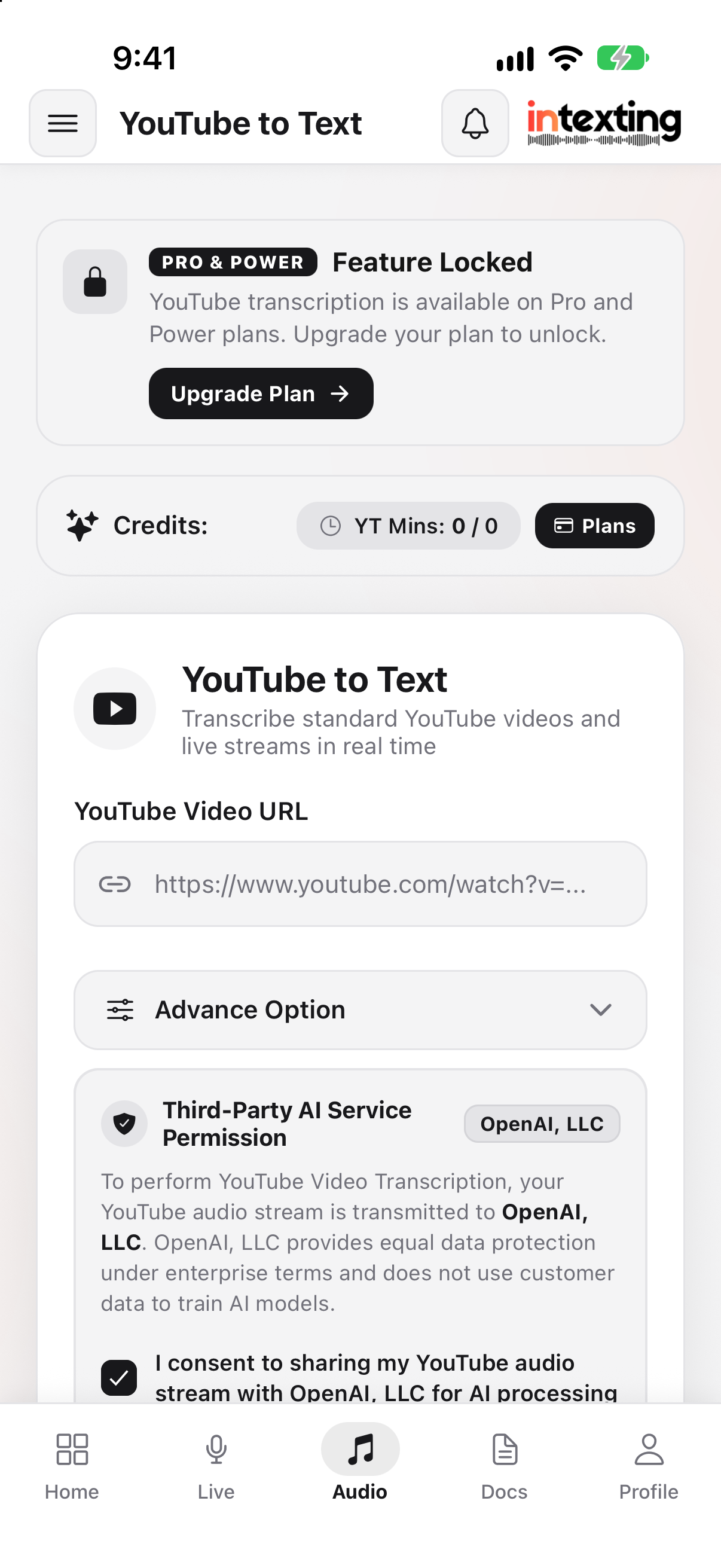
From video to text in three steps.
Paste a link or upload
Any public or unlisted YouTube link, a live stream, or an MP4, MOV or AVI file.
Pick the output
Transcript, executive summary, media article or subtitles — in any of 135+ languages.
Download or share
Get SRT/VTT subtitles, Word or PDF, or send a link to your team.
Everything you need from a video.
No download needed
Paste the link — Intexting fetches the audio and starts transcribing.
Live streams
Transcribe a stream while it runs, then stop it to finalise the transcript.
Subtitles
Time-synced SRT and VTT files ready to upload back to YouTube or your player.
Summaries & chapters
An executive summary with key points, so nobody has to watch the whole video.
Translate subtitles
Reach new audiences with subtitles in any of 135+ languages.
Video uploads too
Not on YouTube? Upload MP4, MOV or AVI files directly.
What was said — and what you get.
“Welcome back to the channel. Today we are going to look at the three changes in the new GST rules that every small business owner needs to know about before the next filing date…”
The video explains three changes to GST rules affecting small businesses ahead of the next filing date, with practical steps for each change.
The details.
Everything you need to know before you paste a link. Need higher limits or an integration? Use the API.
| Sources | YouTube videos, live streams and unlisted links |
|---|---|
| Uploads | MP4, MOV and AVI video files |
| Output | Transcript, summary, chapters, SRT & VTT subtitles |
| Languages | 135+ for transcription and translation |
| Monthly allowance | Included in Pro (1,200 min pool) and Teams (3,000+ min pool) |
| Export | Word, PDF, Excel, SRT, VTT |
Built into real working days.
After the session, send it as an official email.
Share on WhatsApp for speed, and email for the record. Send the finished notes to one or many clients and colleagues in one tap. It looks professional, adds value to what they pay you, and keeps everyone accountable to what was agreed.
Add as many email addresses as you need, in To and Cc: the client, their family, partners or your own team.
Your name and reply-to address on every email, so replies come straight back to you.
A short summary in the email, the full document attached as PDF or Word, and a secure link with the audio.
Every email is logged with recipients, date and time, so there is never a doubt about what was shared.
“Why not just use free ChatGPT, Claude or Gemini?”
Free AI chatbots are brilliant for answering questions. But they were not built to sit in your meeting, listen for an hour and hand you the paperwork. Here is the same job done both ways.
Times are typical estimates for a one-hour meeting and will vary with the meeting and the person.
| What your work needs | Intexting | Free ChatGPT, Claude, Gemini |
|---|---|---|
| Accuracy on long, mixed-language meetings | ✓ Built and tuned for it — highest in our open accuracy test | General-purpose; long audio gets summarised loosely and details are missed |
| Record a 1–3 hour meeting in the room | ✓ Yes — phone or browser, with noise filtering | Not designed for it; voice mode is for talking to the AI |
| Handle long, large files | ✓ Audio up to 1 GB, PDFs & images up to 50 MB — processed in full | Upload limits; long audio is often cut or refused |
| Automatic summary | ✓ Created with every document | Only if you ask — every single time |
| Ask questions about your meeting | ✓ Chat with your document — answers come only from your recording | Paste the text in again; answers can drift beyond what was said |
| Know who said what | ✓ Automatic speaker identification | Usually one block of text |
| Same professional format every time | ✓ 7 ready document formats | You write and re-write the prompt each time |
| Check any line against the audio | ✓ Every sentence links to the recording | No link back to what was said |
| Word, PDF & Excel | ✓ One click, properly formatted | Copy, paste and re-format by hand |
| Keep records | ✓ Every recording, document, summary and chat saved and searchable | Mixed into your general chat history |
| Share with a client | ✓ Secure link or official email to many recipients — no login needed | Send screenshots or paste text |
| Your data and AI training | ✓ Never used to train AI | Free plans may use chats to improve models unless you opt out |
| Cost | ✓ Free 30 min/month · from ₹499 | Free, but it costs your time |
AI chatbots change often; this describes their free consumer plans in general, not every feature of every version.
Tuned for Indian and mixed-language speech, and every line links back to the audio.
Full multi-hour recordings, plus PDFs and images up to 50 MB. Bigger on Enterprise.
Key points and action items on top — without asking.
“What did the client agree on price?” — answered from your recording only.
Send a link or email it to everyone at once. They read the document and play the audio in any browser.
Every recording, document, summary and chat kept and searchable.
How Intexting compares with other AI note takers.
Most tools stop at a transcript or a summary. Intexting goes one step further and writes the finished document your work actually needs.
| What matters | Intexting | HyNote | HiNoter | TurboScribe | Sonix |
|---|---|---|---|---|---|
| Accuracy on Hindi, Marathi & mixed speech | Highest in our open accuracy test | 14.2% error rate | 13.8% error rate | 8.6% error rate | 9.8% error rate |
| Starting paid price | ₹499 (≈ $6) / month | $79.99 / year (≈ $6.66 / mo) | $69.99 / year or $6.99 / week | $10 / mo yearly · $20 monthly | $25 / mo for 5 hours · or $10 / hour |
| Free plan | 30 minutes every month · no card | Free · up to 120 min per recording | One note only | 3 files a day, 30 min each | 30 minutes, one-time trial |
| Languages | 135+ | 50+ | 100+ | 98+ | 54+ |
| Largest upload | Audio 1 GB · PDF & images 50 MB · more on Enterprise | Not stated | Not stated | 10 hours / 5 GB | Not stated |
| What you get back | Finished documents: minutes, case notes, visit reports, interview scorecards | Summaries from 30+ templates | Summaries & mind maps | Transcripts | Transcripts, summaries & chapters |
| Automatic summary | Created with every document | Yes | Yes | Via built-in ChatGPT prompts | Yes |
| Chat with your documents | Yes — answers only from your own recording | Yes | Yes | Via built-in ChatGPT prompts | Yes |
| Share by link — no login | Yes — read-only, with audio player | Export & share | Not stated | Not stated | Read-only sharing |
| Formal documents from Hindi / Marathi speech | Built for it — legal English, इतिवृत्त, office notes | Not advertised | Not advertised | Not advertised | Not advertised |
| Image & PDF to text | Yes — both | Yes — both | No — audio & video | Not advertised | |
| Pay in ₹ (UPI, Net Banking, GST invoice) | Yes | Not stated | Not stated | Not stated | Not stated |
| Security | AES-256 · TLS 1.3 · never trains AI | AES-256 · GDPR/CCPA · no training | Encryption claimed | Encrypted & private | SOC 2 Type II · HIPAA |
Competitor details are taken from each company's public website and pricing page on 16 October 2026 and may change. Prices in USD. “Not stated” means we could not find it on their site. All trademarks belong to their owners.
you want apps for Apple Watch and Mac, Notion or Google Docs sync, and many summary templates for English meetings.
you need the finished document — formal minutes, case notes or visit reports — and you speak Hindi, Marathi or mixed languages at work.
you want mind maps and one flat yearly price for unlimited use. Its free plan allows only one note.
you want 30 free minutes every month to try properly, profession-ready documents, and image and PDF to text in the same place.
you only need raw transcripts in bulk — it is unlimited at $10 a month on yearly billing.
you need more than a transcript: minutes, reports and drafts that are ready to send, with speakers and action items.
you are a large enterprise that needs SOC 2 or HIPAA paperwork and video-editing tools, and the budget for $25 a month per 5 hours.
you want a far lower cost — Pro gives 20 hours for ₹999 (≈ $12) — and documents written in Indian languages and formats.
Professionals who stopped typing up meetings.

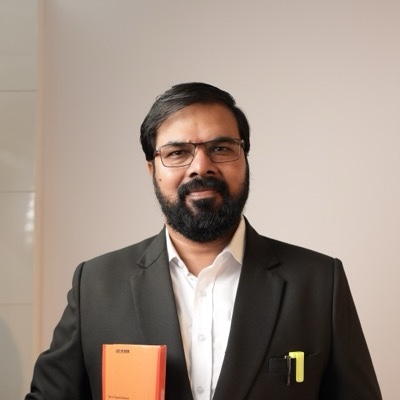
“Intexting has completely eliminated our evening court drafting backlog. I dictate conference notes in Hindi mixed with legal jargon, and get court-ready English notice and affidavit drafts with audio verification.”

“Our partners used to spend 45 minutes after every client meeting writing minutes and scope notes. With Intexting, we record the discussion directly from the browser, and client-ready minutes are generated within 2 minutes.”

“Our field sales reps travel across Maharashtra visiting industrial clients. Dictating visit summaries in Hindi or Marathi on the road and getting clean visit reports in minutes doubled rep productivity.”
Every review on this page comes from a real, verified customer — shared with their permission.
YouTube to Text questions.
Which plans include YouTube to Text?
YouTube to Text is included in Pro (1,200 minutes/month pool) and Teams (1,000 minutes/user/month pool). YouTube uses the same unified pool of minutes as audio and live recording.
Can I transcribe a live stream?
Yes. Paste the live URL and Intexting transcribes as it runs. Stop it any time to finalise the transcript and summary.
Do unlisted videos work?
Yes — public and unlisted YouTube links both work. Private videos need to be uploaded as files.
Can I get subtitles in another language?
Yes. Translate subtitles into any of 135+ languages and download SRT or VTT files.
Make every video readable.
YouTube to Text is included in Pro and Teams plans. Start on Free and upgrade when you need it.