
Legal case reports, drafted before your client leaves.
Dictate case facts or record the client conference in any language. Intexting writes a structured case note — parties, facts, instructions, evidence and next steps — in formal legal English, with every line linked to the audio.
A case note you can build a draft on.
Parties
Who is who — client, opposite party and any witnesses mentioned.
Facts & chronology
Dates, amounts and events in order, exactly as stated.
Client instructions
What the client wants done, and by when.
Evidence & documents
Documents referred to, and what is still to be collected.
Issues
The questions of fact and law raised in the conference.
Next steps & drafts
Tasks with dates — plus a first-draft notice when you need one.
Your client explains in Hindi. The note reads in court English.
“Sir, June se kiraya nahi diya hai, ab total ek lakh assi hazaar ho gaya. Do baar letter bhi diya, koi jawab nahi. Aap notice bhejo, ya toh paisa de ya flat khali kare.”
The tenant has not paid rent since June 2026, and arrears now amount to ₹1,80,000. Two written reminders have gone unanswered. The client instructs that a legal notice be issued demanding payment of the arrears or vacation of the premises.
Drafts you can verify, edit and file.
Every line audio-linked
Click any sentence to hear the client's exact words before you rely on them.
Word with proper margins
Download a clean .docx ready for your chamber's letterhead and filing.
Your own templates
Use your notice, affidavit or written-statement formats? Send them to us.
Who writes these with Intexting.
After the session, send it as an official email.
Share on WhatsApp for speed, and email for the record. Send the finished notes to one or many clients in one tap. It looks professional, adds value to what they pay you, and keeps everyone accountable to what was agreed.
Add as many email addresses as you need, in To and Cc: the client, their family, partners or your own team.
Your name and reply-to address on every email, so replies come straight back to you.
A short summary in the email, the full document attached as PDF or Word, and a secure link with the audio.
Every email is logged with recipients, date and time, so there is never a doubt about what was shared.
“Why not just use free ChatGPT, Claude or Gemini?”
Free AI chatbots are brilliant for answering questions. But they were not built to sit in your meeting, listen for an hour and hand you the paperwork. Here is the same job done both ways.
Times are typical estimates for a one-hour meeting and will vary with the meeting and the person.
| What your work needs | Intexting | Free ChatGPT, Claude, Gemini |
|---|---|---|
| Accuracy on long, mixed-language meetings | ✓ Built and tuned for it — highest in our open accuracy test | General-purpose; long audio gets summarised loosely and details are missed |
| Record a 1–3 hour meeting in the room | ✓ Yes — phone or browser, with noise filtering | Not designed for it; voice mode is for talking to the AI |
| Handle long, large files | ✓ Audio up to 1 GB, PDFs & images up to 50 MB — processed in full | Upload limits; long audio is often cut or refused |
| Automatic summary | ✓ Created with every document | Only if you ask — every single time |
| Ask questions about your meeting | ✓ Chat with your document — answers come only from your recording | Paste the text in again; answers can drift beyond what was said |
| Know who said what | ✓ Automatic speaker identification | Usually one block of text |
| Same professional format every time | ✓ 7 ready document formats | You write and re-write the prompt each time |
| Check any line against the audio | ✓ Every sentence links to the recording | No link back to what was said |
| Word, PDF & Excel | ✓ One click, properly formatted | Copy, paste and re-format by hand |
| Keep records | ✓ Every recording, document, summary and chat saved and searchable | Mixed into your general chat history |
| Share with a client | ✓ Secure link or official email to many recipients — no login needed | Send screenshots or paste text |
| Your data and AI training | ✓ Never used to train AI | Free plans may use chats to improve models unless you opt out |
| Cost | ✓ Free 30 min/month · from $5 | Free, but it costs your time |
AI chatbots change often; this describes their free consumer plans in general, not every feature of every version.
Tuned for accents and mixed-language speech, and every line links back to the audio.
Full multi-hour recordings, plus PDFs and images up to 50 MB. Bigger on Enterprise.
Key points and action items on top — without asking.
“What did the client agree on price?” — answered from your recording only.
Send a link or email it to everyone at once. They read the document and play the audio in any browser.
Every recording, document, summary and chat kept and searchable.
Advocates who got their evenings back.
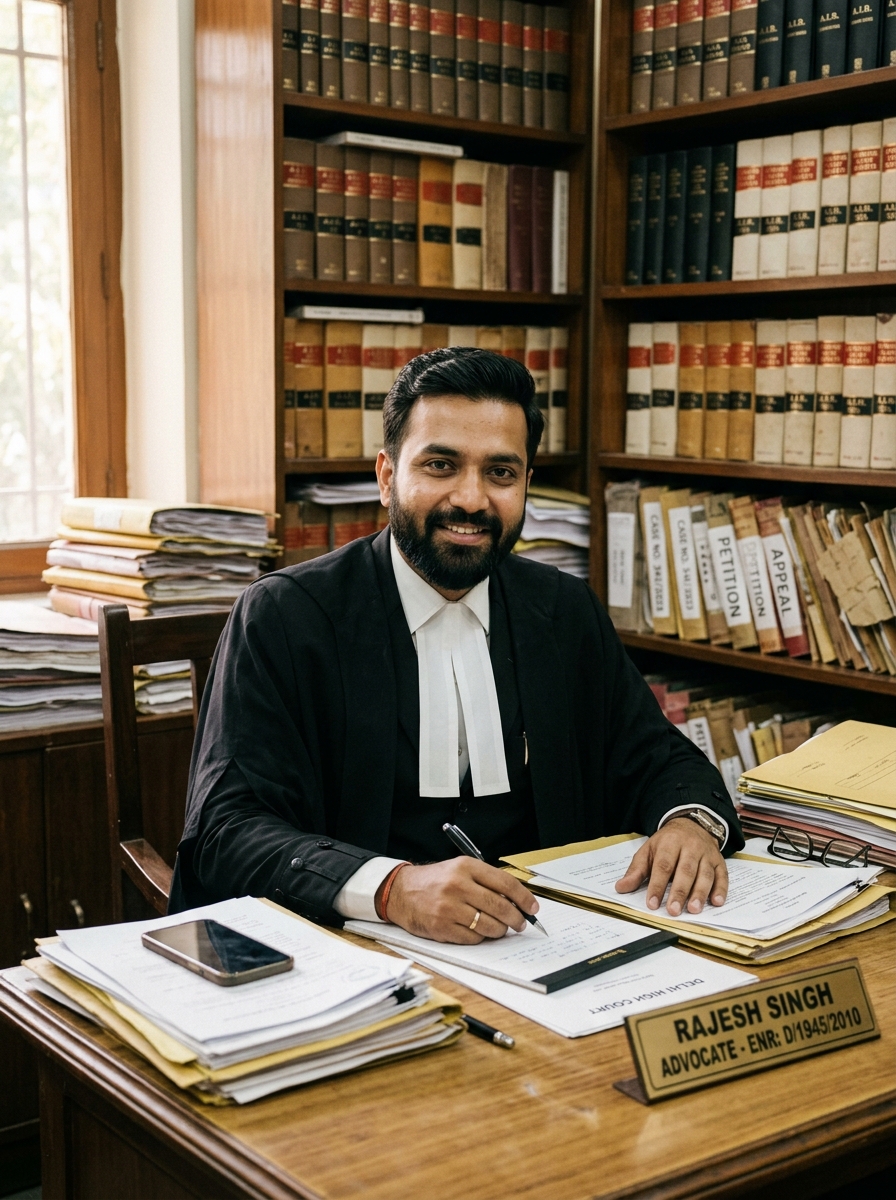
“Intexting has completely eliminated our evening court drafting backlog. I dictate conference notes in Hindi mixed with Indian legal jargon, and get court-ready English notice and affidavit drafts with audio verification.”

“After 3-hour client conferences, client facts used to blur together. Now every client statement is timestamped and mapped directly to notice draft paragraphs.”

“We handle bilingual clients who switch between Marathi, Hindi, and English mid-sentence. Intexting handles the code-switching without skipping facts.”
Every review on this page comes from a real, verified customer — shared with their permission.
Legal Case Report questions.
Is the case note a finished legal document?
It is a structured first draft. Always review it — every line links to the audio so you can verify the client’s exact words.
Can I dictate in Hindi or Marathi?
Yes. Dictate or record in any of 135+ languages, including mixed Hindi-English, and get formal legal English.
Is client confidentiality protected?
Recordings are encrypted, never used to train AI and permanently deleted when you remove them.
Can it draft a legal notice too?
Yes. Use the AI rewrite tool to turn the case note into a first-draft notice, then edit it in Word.
Leave the evening drafting behind.
Record or upload, pick Legal Case Report, and it's written. 30 free minutes every month.