Upload a long PDF.
Get the text and the summary.
Contracts, filings, research and scanned files — Intexting extracts every page, keeps headings and tables, translates across 135+ languages and writes an executive summary with action items.
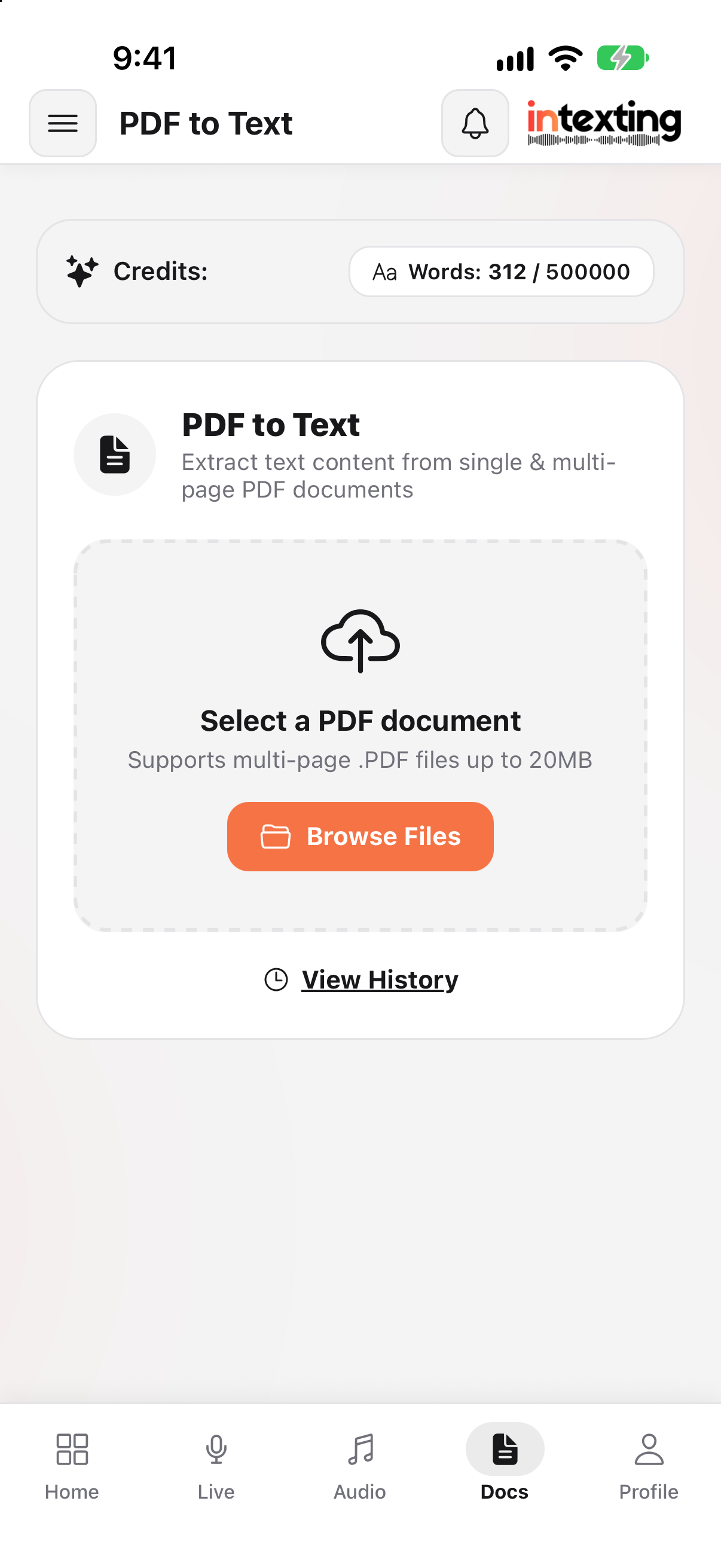
From PDF to answers in three steps.
Upload the PDF
Digital or scanned, one page or a full dossier. Choose all pages or a range.
Extract & summarise
Text, headings and tables come out clean, with an executive summary on top.
Edit, translate, export
Translate into any of 135+ languages and export to Word, Excel or PDF.
Long documents, made readable.
Multi-page extraction
Contracts, filings and research reports processed page by page, at speed.
Tables & headings kept
Section headings, bulleted lists and tables stay in their structure.
Scanned PDFs too
Image-only scans are read with OCR — no separate tool needed.
Page ranges
Only need pages 3 to 7? Process just those and save your allowance.
Summary & action items
Key terms, dates, obligations and next steps pulled to the top.
Translate & export
Get the text in another language and download an editable Word file.
38 pages in — one page out.
“12.3 The Lessee shall, within thirty (30) days of receipt of written notice from the Lessor, remedy any breach of the covenants contained in Clause 8, failing which the Lessor shall be entitled to terminate this Agreement forthwith…”
Breach of Clause 8: the lessee has 30 days from written notice to remedy it. If not remedied, the lessor may terminate immediately (Clause 12.3).
The details.
Everything you need to know before you upload. Need bigger files? Talk to our sales team about Enterprise.
| Format | PDF — digital or scanned |
|---|---|
| File size | Up to 50 MB per PDF · larger on Enterprise |
| Pages | All pages, or a range such as 1-5 or 3,7 |
| Output | Full text, tables, executive summary, action items |
| Export | Word, PDF, Excel, plain text |
| Available on | Every plan · web and Android app |
After the session, send it as an official email.
Share on WhatsApp for speed, and email for the record. Send the finished notes to one or many clients and colleagues in one tap. It looks professional, adds value to what they pay you, and keeps everyone accountable to what was agreed.
Add as many email addresses as you need, in To and Cc: the client, their family, partners or your own team.
Your name and reply-to address on every email, so replies come straight back to you.
A short summary in the email, the full document attached as PDF or Word, and a secure link with the audio.
Every email is logged with recipients, date and time, so there is never a doubt about what was shared.
Not just another free PDF-to-text converter.
Free converters copy the text out of a PDF — and fail on scanned pages. Intexting reads digital and scanned PDFs with OCR, keeps tables and headings, writes a summary, and lets you chat with the document, share it and keep it on record.
| What you need | Intexting | Free online converters | Free AI chatbots |
|---|---|---|---|
| Scanned pages, handwriting & stamps | ✓ Built for real-world scans | Often fails or skips scanned pages | Works on clear pages; inconsistent on poor scans |
| Hindi, Marathi & other Indian scripts | ✓ Reads Devanagari and Indian scripts accurately | Often garbled or unsupported | Varies by file and script |
| Tables, headings & layout | ✓ Kept — export to Word and Excel | Usually plain text only | Table layout is often lost |
| File size | ✓ Up to 50 MB, every page | Small file and page caps | Upload and page limits |
| Chat with the extracted data | ✓ Ask for totals, dates, names, clauses — with page references | Not available | Per chat only — not saved with the file |
| Summary & key points | ✓ Created automatically | Not available | Only if you ask each time |
| Translate to 135+ languages | ✓ Built in | Rarely | Possible, by prompting |
| Saved, searchable records | ✓ Every file, summary and chat kept | Gone when you close the tab | Mixed into chat history |
| Share with others | ✓ Secure link or email — no login | Download only | Screenshots or copy-paste |
| Privacy | ✓ Encrypted, never trains AI, delete any time | Often unclear who keeps your file | Free plans may train on uploads unless you opt out |
Free tools vary; this describes typical free converters and free chatbot plans in general.
What people really use it for
Find clauses, dates and obligations in long and scanned documents in seconds.
Pull tables into Excel and ask questions across long financial documents.
Translate and summarise GRs and circulars; ask what changes and from when.
Summarise chapters and ask your reading questions before exams.
Find the key figures in a 100-page report and quote them with the page number.
Check eligibility, dates and penalties in tender documents without reading every page.
“Why not just use free ChatGPT, Claude or Gemini?”
Free AI chatbots are brilliant for answering questions. But they were not built to sit in your meeting, listen for an hour and hand you the paperwork. Here is the same job done both ways.
Times are typical estimates for a one-hour meeting and will vary with the meeting and the person.
| What your work needs | Intexting | Free ChatGPT, Claude, Gemini |
|---|---|---|
| Accuracy on long, mixed-language meetings | ✓ Built and tuned for it — highest in our open accuracy test | General-purpose; long audio gets summarised loosely and details are missed |
| Record a 1–3 hour meeting in the room | ✓ Yes — phone or browser, with noise filtering | Not designed for it; voice mode is for talking to the AI |
| Handle long, large files | ✓ Audio up to 1 GB, PDFs & images up to 50 MB — processed in full | Upload limits; long audio is often cut or refused |
| Automatic summary | ✓ Created with every document | Only if you ask — every single time |
| Ask questions about your meeting | ✓ Chat with your document — answers come only from your recording | Paste the text in again; answers can drift beyond what was said |
| Know who said what | ✓ Automatic speaker identification | Usually one block of text |
| Same professional format every time | ✓ 7 ready document formats | You write and re-write the prompt each time |
| Check any line against the audio | ✓ Every sentence links to the recording | No link back to what was said |
| Word, PDF & Excel | ✓ One click, properly formatted | Copy, paste and re-format by hand |
| Keep records | ✓ Every recording, document, summary and chat saved and searchable | Mixed into your general chat history |
| Share with a client | ✓ Secure link or official email to many recipients — no login needed | Send screenshots or paste text |
| Your data and AI training | ✓ Never used to train AI | Free plans may use chats to improve models unless you opt out |
| Cost | ✓ Free 30 min/month · from ₹499 | Free, but it costs your time |
AI chatbots change often; this describes their free consumer plans in general, not every feature of every version.
Tuned for Indian and mixed-language speech, and every line links back to the audio.
Full multi-hour recordings, plus PDFs and images up to 50 MB. Bigger on Enterprise.
Key points and action items on top — without asking.
“What did the client agree on price?” — answered from your recording only.
Send a link or email it to everyone at once. They read the document and play the audio in any browser.
Every recording, document, summary and chat kept and searchable.
How Intexting compares with other AI note takers.
Most tools stop at a transcript or a summary. Intexting goes one step further and writes the finished document your work actually needs.
| What matters | Intexting | HyNote | HiNoter | TurboScribe | Sonix |
|---|---|---|---|---|---|
| Accuracy on Hindi, Marathi & mixed speech | Highest in our open accuracy test | 14.2% error rate | 13.8% error rate | 8.6% error rate | 9.8% error rate |
| Starting paid price | ₹499 (≈ $6) / month | $79.99 / year (≈ $6.66 / mo) | $69.99 / year or $6.99 / week | $10 / mo yearly · $20 monthly | $25 / mo for 5 hours · or $10 / hour |
| Free plan | 30 minutes every month · no card | Free · up to 120 min per recording | One note only | 3 files a day, 30 min each | 30 minutes, one-time trial |
| Languages | 135+ | 50+ | 100+ | 98+ | 54+ |
| Largest upload | Audio 1 GB · PDF & images 50 MB · more on Enterprise | Not stated | Not stated | 10 hours / 5 GB | Not stated |
| What you get back | Finished documents: minutes, case notes, visit reports, interview scorecards | Summaries from 30+ templates | Summaries & mind maps | Transcripts | Transcripts, summaries & chapters |
| Automatic summary | Created with every document | Yes | Yes | Via built-in ChatGPT prompts | Yes |
| Chat with your documents | Yes — answers only from your own recording | Yes | Yes | Via built-in ChatGPT prompts | Yes |
| Share by link — no login | Yes — read-only, with audio player | Export & share | Not stated | Not stated | Read-only sharing |
| Formal documents from Hindi / Marathi speech | Built for it — legal English, इतिवृत्त, office notes | Not advertised | Not advertised | Not advertised | Not advertised |
| Image & PDF to text | Yes — both | Yes — both | No — audio & video | Not advertised | |
| Pay in ₹ (UPI, Net Banking, GST invoice) | Yes | Not stated | Not stated | Not stated | Not stated |
| Security | AES-256 · TLS 1.3 · never trains AI | AES-256 · GDPR/CCPA · no training | Encryption claimed | Encrypted & private | SOC 2 Type II · HIPAA |
Competitor details are taken from each company's public website and pricing page on 16 October 2026 and may change. Prices in USD. “Not stated” means we could not find it on their site. All trademarks belong to their owners.
you want apps for Apple Watch and Mac, Notion or Google Docs sync, and many summary templates for English meetings.
you need the finished document — formal minutes, case notes or visit reports — and you speak Hindi, Marathi or mixed languages at work.
you want mind maps and one flat yearly price for unlimited use. Its free plan allows only one note.
you want 30 free minutes every month to try properly, profession-ready documents, and image and PDF to text in the same place.
you only need raw transcripts in bulk — it is unlimited at $10 a month on yearly billing.
you need more than a transcript: minutes, reports and drafts that are ready to send, with speakers and action items.
you are a large enterprise that needs SOC 2 or HIPAA paperwork and video-editing tools, and the budget for $25 a month per 5 hours.
you want a far lower cost — Pro gives 20 hours for ₹999 (≈ $12) — and documents written in Indian languages and formats.
Professionals who stopped typing up meetings.
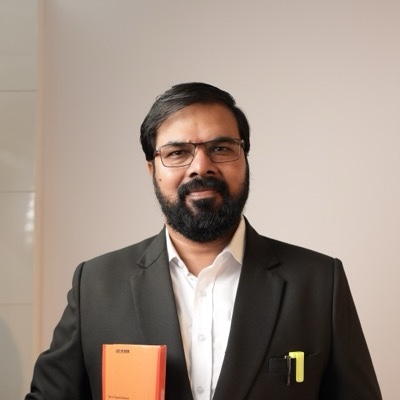
“Intexting has completely eliminated our evening court drafting backlog. I dictate conference notes in Hindi mixed with legal jargon, and get court-ready English notice and affidavit drafts with audio verification.”

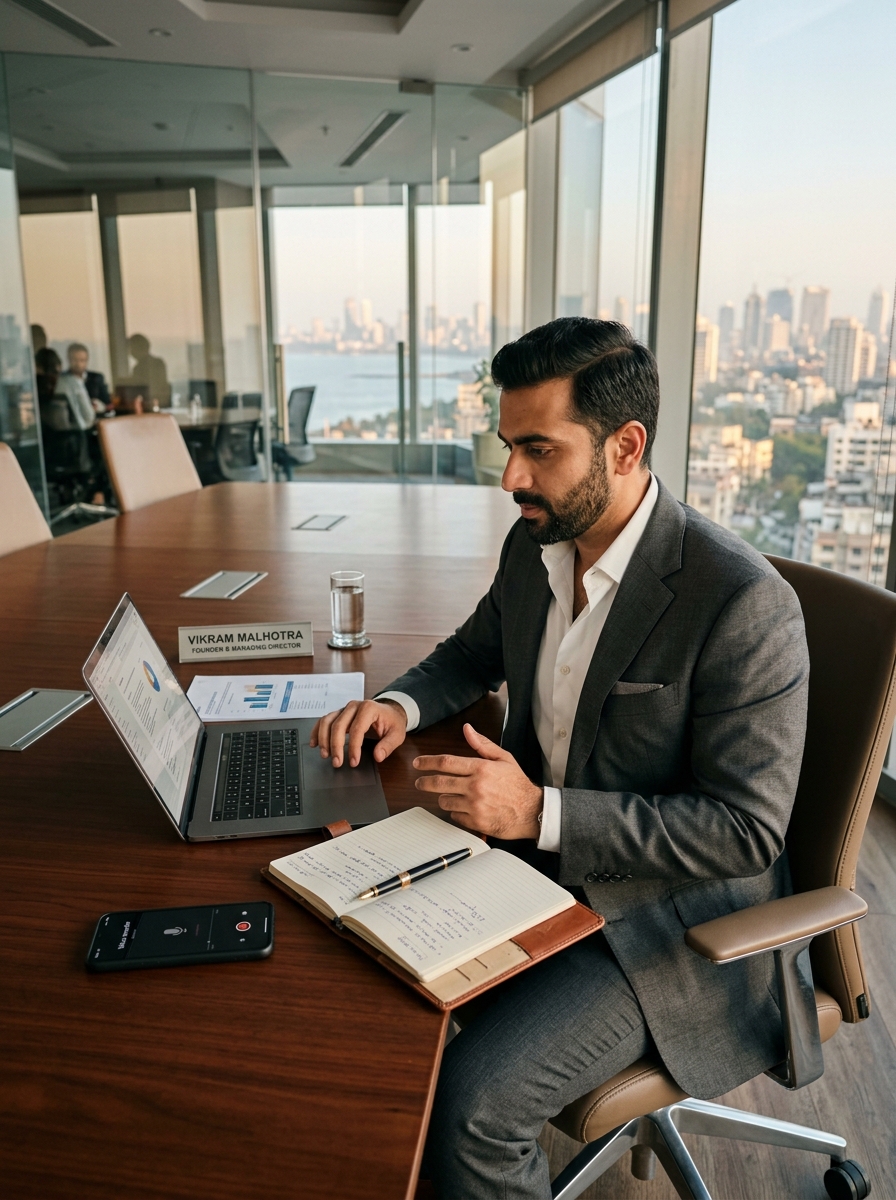
“Our partners used to spend 45 minutes after every client meeting writing minutes and scope notes. With Intexting, we record the discussion directly from the browser, and client-ready minutes are generated within 2 minutes.”

“Our field sales reps travel across Maharashtra visiting industrial clients. Dictating visit summaries in Hindi or Marathi on the road and getting clean visit reports in minutes doubled rep productivity.”
Every review on this page comes from a real, verified customer — shared with their permission.
PDF to Text questions.
Does it work with scanned PDFs?
Yes. Scanned pages are read with OCR, so image-only PDFs work as well as digital ones.
Will my tables survive?
Tables, headings and lists are preserved where possible and can be exported to Excel.
Can I process only some pages?
Yes — choose all pages, a range like 1-5, or specific pages like 3,7.
Is my document kept private?
Documents are encrypted, never used to train AI, and permanently deleted when you remove them.
Read 40 pages in 2 minutes. Free.
PDF to Text is included on every plan, including Free.